






Master
Content
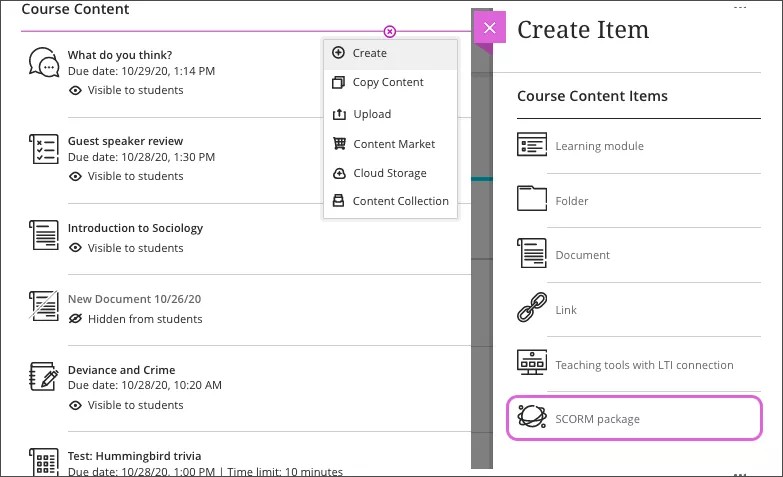
Blackboard offers a variety of ways to organize content in your course site. Good course design allows students to easily locate the information they need. You may choose to organize by topics, sections or weeks. To contain each topic/section/week's materials you can use a Content Folder or a Learning Module.
- Learning Modules are key tools for organizing content like a digital textbook chapter, allowing instructors to group items (docs, quizzes, discussions) sequentially, with forced navigation arrows for a focused student experience, unlike simple folders. You create them by clicking the + icon in your course, choosing Create > Learning Module, adding content (files, links, activities) using the + icon inside the module, and can set a forced sequence or allow free flow, with options for images and progress tracking
- Content Folders are used as containers to organize course content (documents, links, tests) within your Course Content page, nested up to two levels deep, by clicking the plus sign > Create > Folder, naming it, and adding content inside by opening the folder and repeating the process. Use meaningful names, add descriptions, and manage visibility to improve student navigation and organization, leveraging emojis or Learning Modules for complex structures as needed.
A good basic unit for adding content is an Item. Items can be added to either a module or folder. An item can contain text, attached files, web links, images, and more. Descriptive text can be added as well.
Watch a video about Types of course content in Blackboard
For more information about Organization and Adding Content, select from the following: